


A gate that will not open at the start of a shift, closes then reverses, or ignores every command is more than an inconvenience. Gate control faults can disrupt deliveries, leave a site exposed and create a genuine safety concern if the system behaves unpredictably. The quickest fix is rarely guesswork. A disciplined check of the symptoms, safety circuit, power supply and controller usually points to the real cause before unnecessary parts are ordered.
Start With the Symptom, Not the Part
It is tempting to blame the control board whenever an automated gate stops working. Sometimes the board is at fault, but gate automation relies on several components communicating correctly: incoming power, controls, safety devices, motor feedback, limits and the mechanical gate itself. A failed photocell, damaged cable or seized gate wheel can produce the same apparent fault as a failed panel.
Start by recording exactly what the gate does. Does it have no power at all? Does it open but not close? Does it start moving, stop and reverse? Does it operate from a wired key switch but not a remote transmitter? Does the fault occur only in rain, frost or after a period of heavy use?
These details matter. A gate that is completely dead calls for a different investigation from one that moves a short distance before stopping. If an engineer has attended site, note any display message, LED status or fault code before power is isolated or reset. That information can save a great deal of time.
Make the Site Safe Before Testing
Automated gates are heavy moving machines. Do not defeat photocells, safety edges, force settings or other protective devices simply to make the gate run. A temporary bypass can turn a diagnosis into an accident, particularly on a shared commercial site where pedestrians, vehicles and contractors may pass through the entrance.
Isolate the supply before opening a control enclosure or inspecting wiring, and use a competent gate automation engineer where live electrical testing, controller programming or safety validation is required. If the gate has manual release, secure the entrance appropriately while the system is out of service. A gate that is manually released but not properly controlled can move unexpectedly in wind or on a slope.
A sound first inspection covers the obvious physical causes:
- Check the local isolator, circuit protection and any power-loss indication at the panel.
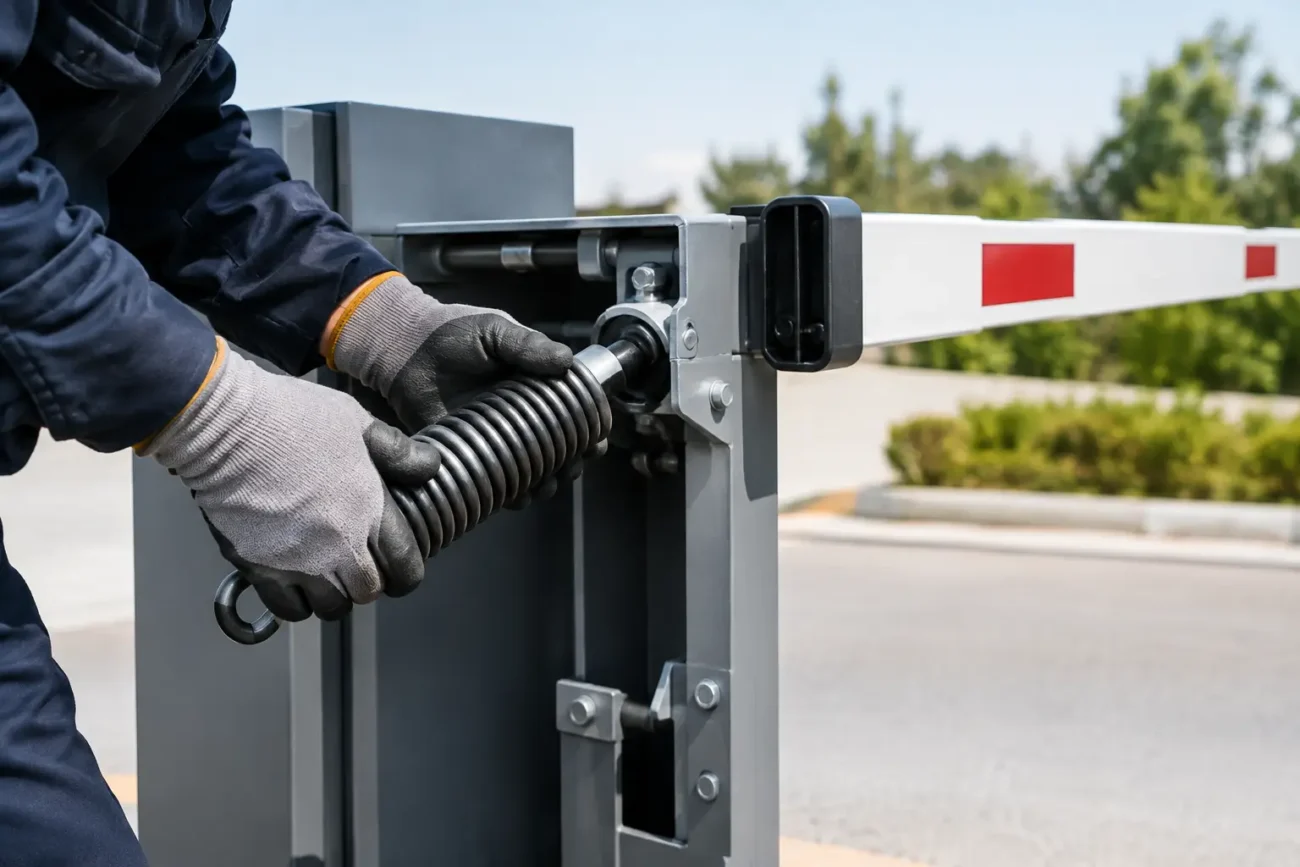
- Inspect the gate track, rollers, hinges, rack and pinion or articulated arms for obstruction, damage or excessive resistance.
- Look for water ingress, condensation, insect contamination, loose terminals and damaged cable glands in the control cabinet.
- Check photocell lenses, safety edges and reflector alignment for dirt, impact damage or misalignment.
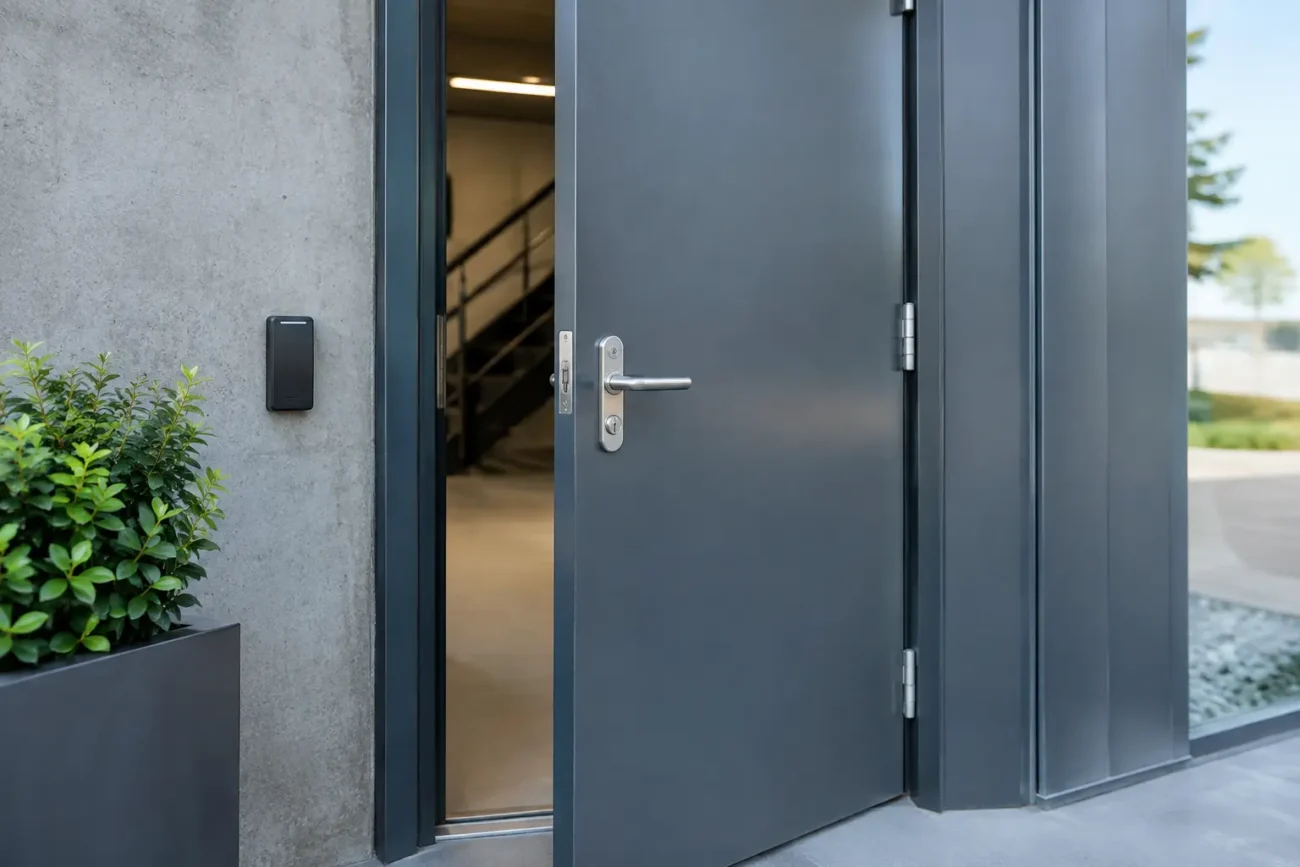
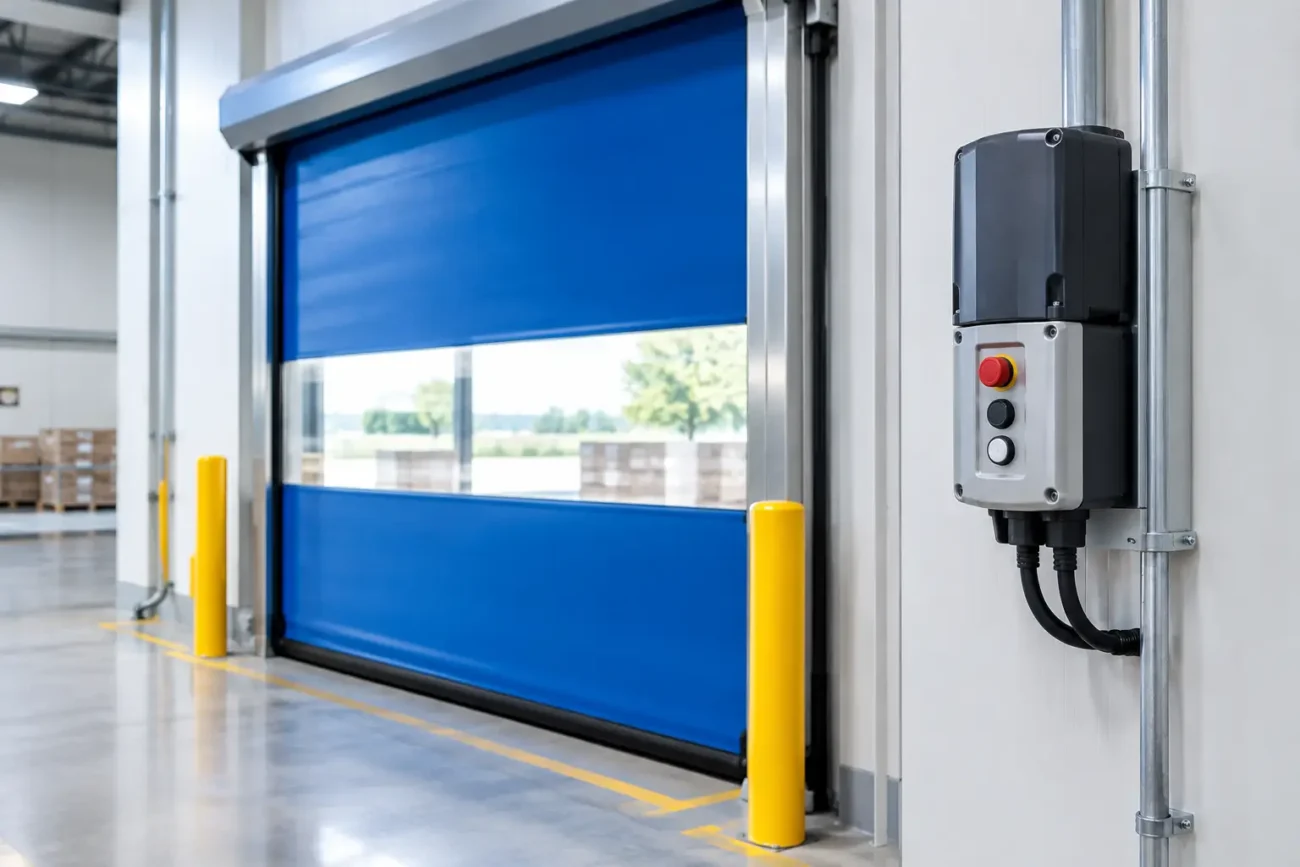
- Confirm that emergency stops, key switches and access control inputs are not stuck, damaged or held active.
This is not just housekeeping. A photocell knocked out of alignment by a pallet, a leaf caught in a sliding gate track or moisture in a junction box can stop a correctly functioning operator from completing a cycle.
Common Gate Control Faults and What They Indicate
No display, LEDs or response
If the panel appears dead, begin at the supply rather than ordering a replacement controller. Check whether the isolator is on, whether the relevant protective device has tripped and whether there is a failed fuse within the panel. A qualified person should then verify the correct incoming voltage at the controller.
If power is present but the board remains unresponsive, inspect for obvious signs of damage such as burnt components, corrosion or a failed transformer or power supply module. Voltage dips, lightning damage and water ingress can all affect electronic controls. Before replacing the board, check connected accessories for a short circuit. A damaged photocell cable or lock wiring can pull down the low-voltage supply and make a healthy panel appear faulty.
Gate opens but will not close
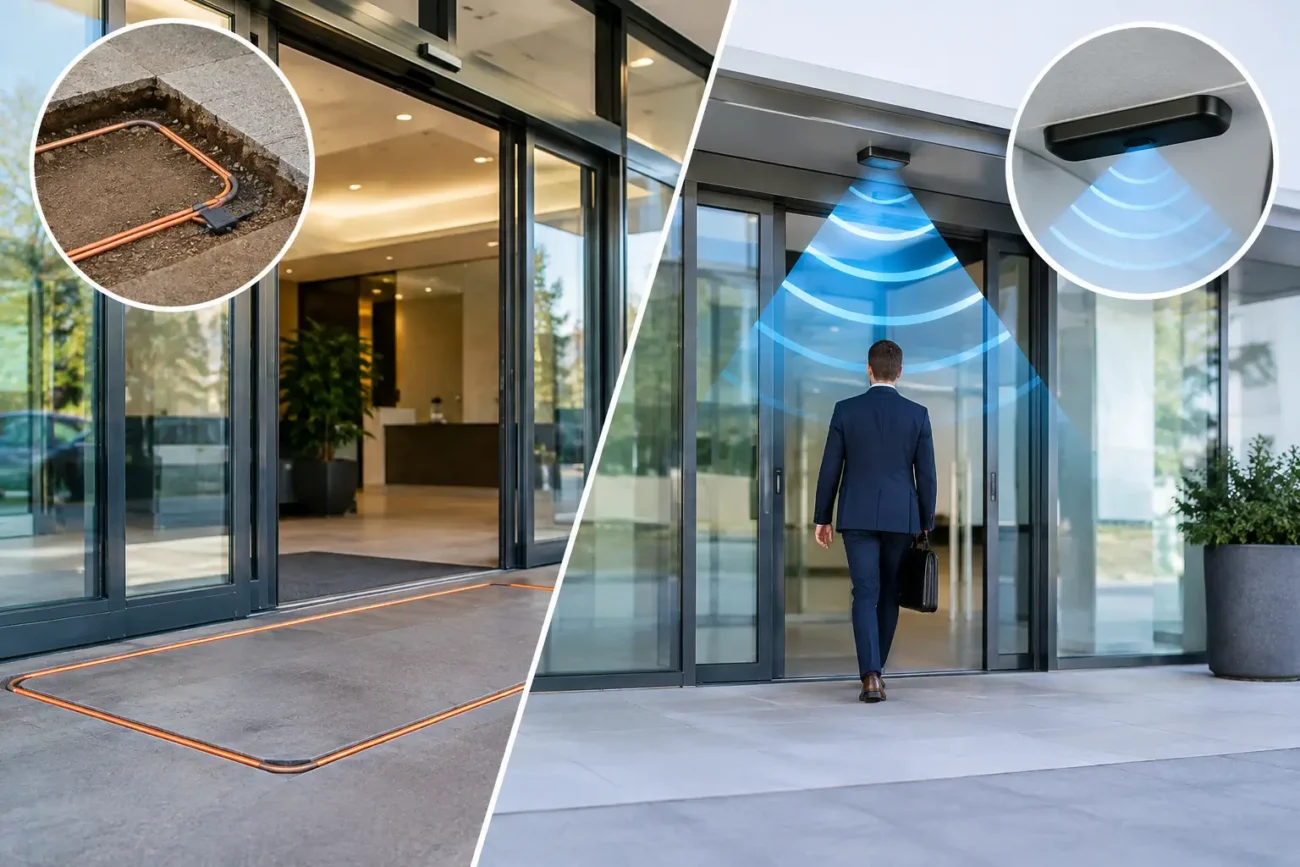
This is frequently a safety-circuit issue. Photocells, safety edges, induction loops, vehicle detectors and access-control interlocks are often configured to prevent closing when their input is active or missing. A blocked beam is straightforward, but a failed receiver, water-damaged connection or broken cable can give the same result.
Look at the panel indicators and the installation wiring diagram. Many control units show the state of each safety input, allowing an engineer to identify whether the issue is a photocell, stop circuit, edge or external command. It is also worth considering the installation environment. Forklift traffic, vibration and repeated vehicle strikes are hard on below-ground loops, posts and cable runs.
Gate closes then reverses or stops mid-travel
A reversing gate is responding to what it interprets as an obstruction, excessive force or a lost position signal. Check the travel path first. Sliding gates may suffer from debris in the track, worn wheels, a bent rack or poor gate alignment. Swing gates can bind at hinges or encounter ground heave, especially where clearance was already tight.
If the gate moves freely when manually released, attention turns to the operator settings and feedback. Force limits may be set too sensitively, although increasing force is not the automatic answer. The correct approach is to remove mechanical resistance and then have a competent engineer set forces and safety functions to suit the installation.
Encoder faults, limit-switch problems and magnet position issues can also cause inconsistent stopping points. These are particularly common where a gate starts normally but loses travel position near one end of its run.
Remote controls work intermittently
When a radio transmitter works only from close range, replace the battery first and check the transmitter casing for damage. If several transmitters are affected, inspect the receiver aerial, receiver module and panel supply. Metal cabinets, new cladding, nearby equipment and poor aerial positioning can reduce signal range.
Interference is possible, but it should not be the first assumption. Water ingress at the receiver, a loose aerial connection or an incorrect receiver configuration are more common and easier to prove. If a remote works but a keypad or key switch does not, compare the relevant command input at the controller rather than treating every access device as a separate mystery.
Read the Controller Before Resetting It
Modern gate control panels often provide valuable diagnostics through a display, LED sequence or event log. Photograph the panel, note the board model and write down every visible code before resetting anything. A reset may clear information that would have identified a recurring fault.
The controller model matters when sourcing spares. Boards, plug-in radio receivers, transformers, display modules and firmware-compatible accessories are not always interchangeable, even within one manufacturer’s range. A control panel may look similar to another version while having different terminal layouts, motor ratings or safety-input requirements.
For an accurate replacement, retain the following details: the operator make and model, control-board part number, clear photographs of the board and wiring, supply type, number of motors and the exact fault behaviour. If a component has a label with a revision number, include that as well. This is especially useful on older BFT, FAAC, NICE, Hörmann and other established systems where several generations may exist on site.
Do Not Ignore the Mechanical Side
A control fault can be the result of a mechanical problem, not its cause. Operators are designed to detect resistance and stop or reverse as a safety measure. If the gate is poorly aligned or stiff, the controller may repeatedly report obstruction, overload or encoder-related errors even though the electronics are functioning as intended.
Check for worn rollers, damaged gate racks, loose fixings, poor lubrication where specified by the manufacturer and changes in ground level. On a cantilever gate, worn guide rollers or an out-of-level leaf can place substantial load on the motor. On swing gates, sagging hinges and damaged stops can prevent consistent limit positions.
Addressing the root cause protects the replacement part. Fitting a new motor or board to a gate that is binding will often lead to another call-out and a shorter component life.
When a Replacement Part Is the Right Answer
Replacement is sensible when testing confirms a failed component, the correct specification is available and the wider system is safe and serviceable. A failed control board, encoder, photocell, receiver or transformer can often be replaced without changing the full operator. This is usually quicker and more cost-effective than a complete upgrade, particularly where the gate hardware is sound.
There are cases where a broader upgrade is the better decision. Older systems may lack suitable monitored safety provisions, use obsolete electronics or have suffered repeated water damage due to a poor cabinet location. A facilities manager should weigh the immediate repair cost against recurring downtime, availability of future spares and the safety requirements of the entrance.
When the part is difficult to identify, a photograph of the label, terminal layout and installation can be more useful than a vague description. Door Spares UK Ltd can help through Ask Dora, the part-finding service for customers who need support matching an existing component rather than taking a costly guess.
Prevent Repeat Faults
A planned inspection schedule will not eliminate every failure, but it catches many of the causes before access is lost. Keep tracks and moving parts clear, clean photocell lenses, inspect visible cable routes and test safety devices at appropriate intervals. Any change in movement speed, noise, stopping position or remote range is worth investigating early.
For busy industrial entrances, record faults and repairs in one place. Repeated failures at the same time of year may point to water ingress; repeated safety-input errors may reveal a vulnerable cable route or regularly damaged photocell post. Patterns turn reactive call-outs into useful evidence.
The best response to gate control faults is a safe, methodical one: identify what the system is telling you, confirm the condition of the gate itself and match any replacement part precisely. That approach gets the entrance working again without compromising the people and vehicles that rely on it.

Leave a comment