


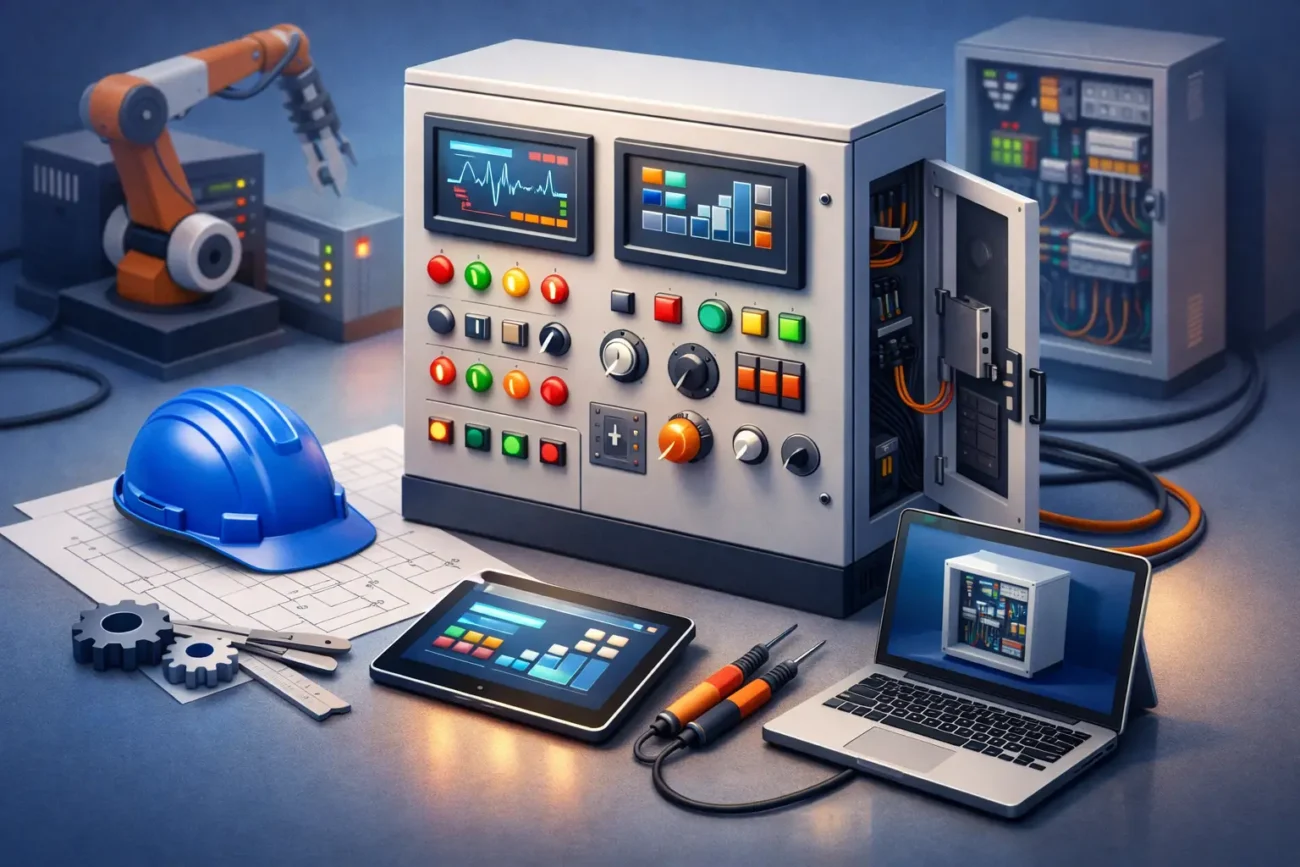
A control panel can look fine on the wall and still be the reason a door is stopping halfway, refusing a safety input, or cycling when it should stay shut. For any engineer guide to control panels, that is the first thing worth saying plainly – the panel is not just a box of terminals and a PCB. It is the decision-making point of the system, and when it goes wrong, faults can look mechanical, electrical or intermittent depending on what the board is doing.
In automated doors, gates, barriers and access systems, the control panel sits between power, motor, safety devices and user command. It takes signals from photocells, pressure edges, encoders, limit switches, access controls and push buttons, then decides what the operator should do next. If one part of that chain is mismatched, damaged or incorrectly set, the whole system can become unreliable.
What a control panel is actually doing
At a basic level, the panel distributes power and manages logic. In practice, that means a lot more than simply opening and closing a motor. It monitors inputs, applies timing, checks safety conditions, interprets limit status and, on many systems, controls speed, hold-open periods and partial opening functions.
On a roller shutter, sectional door or high-speed door, the panel may also work with encoders and position feedback to manage travel accurately. On a pedestrian automatic door, it often has to interpret activation sensors and safety sensors without creating nuisance cycles. On a gate or barrier, it may be dealing with loops, radio receivers, force settings and obstacle detection. The exact function depends on the application, but the principle stays the same – the panel is coordinating movement safely.
That is why panel faults are often misunderstood. A motor may be healthy, but if the board is not sending the right output, the symptom still looks like motor failure. A photocell may be wired correctly, but if the panel is configured for a different input logic, the door still will not run.
Engineer guide to control panels: start with the application
Before checking part numbers or wiring diagrams, step back and confirm what the panel is meant to control. Engineers under pressure often jump straight to the board because the panel is accessible, but correct identification starts with the full system.
Ask what type of door or automation you are working on, what motor is fitted, what voltage the system uses and what feedback devices are present. A 24V gate operator panel is not interchangeable with a three-phase industrial door controller just because both sit in a grey enclosure. Even within one manufacturer range, boards can differ by firmware, output rating, safety protocol or connector layout.
This matters most on replacements. If the original control board is obsolete or damaged beyond clear identification, you need more than a photo of the casing. Terminal markings, motor details, handset type, sensor arrangement and even enclosure dimensions can help narrow it down. That is often the difference between fitting the right part first time and losing another visit.
The common faults engineers see on site
Control panel issues usually fall into a few predictable categories, but the cause is not always as obvious as the symptom. A completely dead panel may be a blown fuse, failed transformer, damaged power supply stage or incoming supply issue. An active panel with no movement could be waiting on a safety circuit, a stop input, a limit state or a valid command.
Intermittent behaviour is where time gets lost. Moisture ingress, loose terminals, failing relays, heat-damaged components and unstable voltage supply can all create faults that appear random. On older sites, boards may also have suffered years of modifications, temporary bypasses or undocumented wiring changes. In those cases, the panel is only part of the story.
You also need to watch for faults caused by connected devices rather than the panel itself. Shorted photocells, damaged edge circuits, faulty encoders and failed external receivers can all hold the controller in fault or stop condition. Swapping the board too early can be expensive and solve nothing.
How to fault-find without wasting visits
Good fault-finding starts with observation. Check what the panel LEDs are showing before disconnecting anything. Many engineers go straight to testing outputs and miss the fact that the board is clearly indicating an open safety circuit or limit input. If the manufacturer uses diagnostic flashes or display codes, use them. They save time.
Then verify the basics in order. Confirm incoming supply, internal fusing, output voltage, stop circuits, safety circuits and command inputs. If the panel appears healthy, confirm whether it is actually receiving a valid open or close request. If it is receiving the command but not moving the motor, check whether it is being blocked by a limit status, overload condition or safety input.
Where encoders are involved, be careful. A door may move briefly and then stop because the controller is not seeing expected pulse feedback. That can point to encoder failure, wiring damage, incorrect positioning or a board input problem. The symptom may look like a drive issue when it is really a feedback issue.
It is also worth remembering that settings matter. Dip switches, jumpers and programmable parameters can make a healthy board behave like a faulty one. Hold-open time, auto-close, motor force, dead man mode, partial opening and safety logic all affect what you see on site. If a replacement panel has been fitted and the system now behaves differently, configuration should be high on the list.
Choosing the right replacement control panel
The best replacement is not always the newest one or the cheapest one. It is the one that matches the system properly and can be supported after fitting. Engineers know this, but on urgent jobs there is always pressure to make something work.
Compatibility should come first. Match manufacturer, model, voltage, motor type, input requirements and safety devices. Check whether the panel is a direct replacement or whether it needs an adaptor loom, programming handset or parameter setup before commissioning. A board that physically fits the enclosure but requires different safety architecture can turn a quick repair into a longer remedial job.
Availability matters too. On busy commercial sites, a door that is out of service affects loading, security and traffic flow. In those cases, support is just as valuable as the part itself. If you can supply photos, board markings or a clear fault description, it is much easier to identify an exact-fit replacement quickly. That is where a specialist supplier earns their keep.
Safety is not a box-ticking exercise
Any engineer guide to control panels should be clear on this point – bypassing inputs to get movement may help you isolate a fault, but it is not a finished repair. Automated doors and gates rely on the panel to apply safety logic properly, and temporary measures have a habit of staying in place when sites are busy.
After repair or replacement, the system needs to be checked as a system, not just as a powered board. That means confirming safety devices operate correctly, travel limits are correct, forces are appropriate and the door or gate responds as intended under normal use. A panel can power up perfectly and still leave the installation unsafe if setup has not been verified.
This is especially important where older equipment has been mixed with newer accessories. Some combinations work well. Others create inconsistent behaviour because the panel expects one type of signal and the field device delivers another. If there is any doubt, slow down and confirm before handover.
When sourcing support saves more than money
A lot of engineers are dealing with ageing installations where labels are faded, manuals are missing and the original installer is long gone. In that situation, sourcing support is not a luxury. It is part of getting the job closed.
If you are trying to identify a panel, gather the information that actually helps – clear photos of the front and back of the board, terminal markings, motor plate details, enclosure label, handset type and the application itself. That gives a specialist team something to work with. Door Spares UK, for example, often helps customers narrow down hard-to-find parts from photos and site details rather than relying on a perfect model reference.
That is usually faster than ordering on guesswork. It also reduces the chance of returning a board that was never going to suit the system in the first place.
Control panels are only as good as the diagnosis
There is no single rule that covers every control panel because every site brings its own history, wear and wiring habits. Some faults are obvious within minutes. Others only make sense once you have checked the panel, the field devices and the setup together.
The practical approach is simple enough – identify the application correctly, test inputs and outputs in a logical order, treat safety circuits seriously and do not assume the board is at fault just because the symptoms point that way. When the right panel is fitted and configured properly, the whole system becomes easier to trust, maintain and hand back to the customer.
If you are stuck between a suspected board fault and a wider system issue, take one more look before ordering. That extra ten minutes on diagnosis often saves a wasted part, a return visit and an awkward conversation later.



Leave a comment